
 Peace of mind, for you and your customers.
The Real Cost
Security as an afterthought is the most expensive option.
Most business owners don’t think about website security until something goes wrong. By then, the bill is measured in lost revenue, emergency developer fees, and weeks of recovery—not the modest cost of keeping things up to date in the first place.
Prevention isn’t just cheaper. It’s the only approach that protects your reputation, your customers, and your peace of mind.
What’s Actually At Stake
The threats most small businesses don’t see coming.
Outdated Plugins & Software
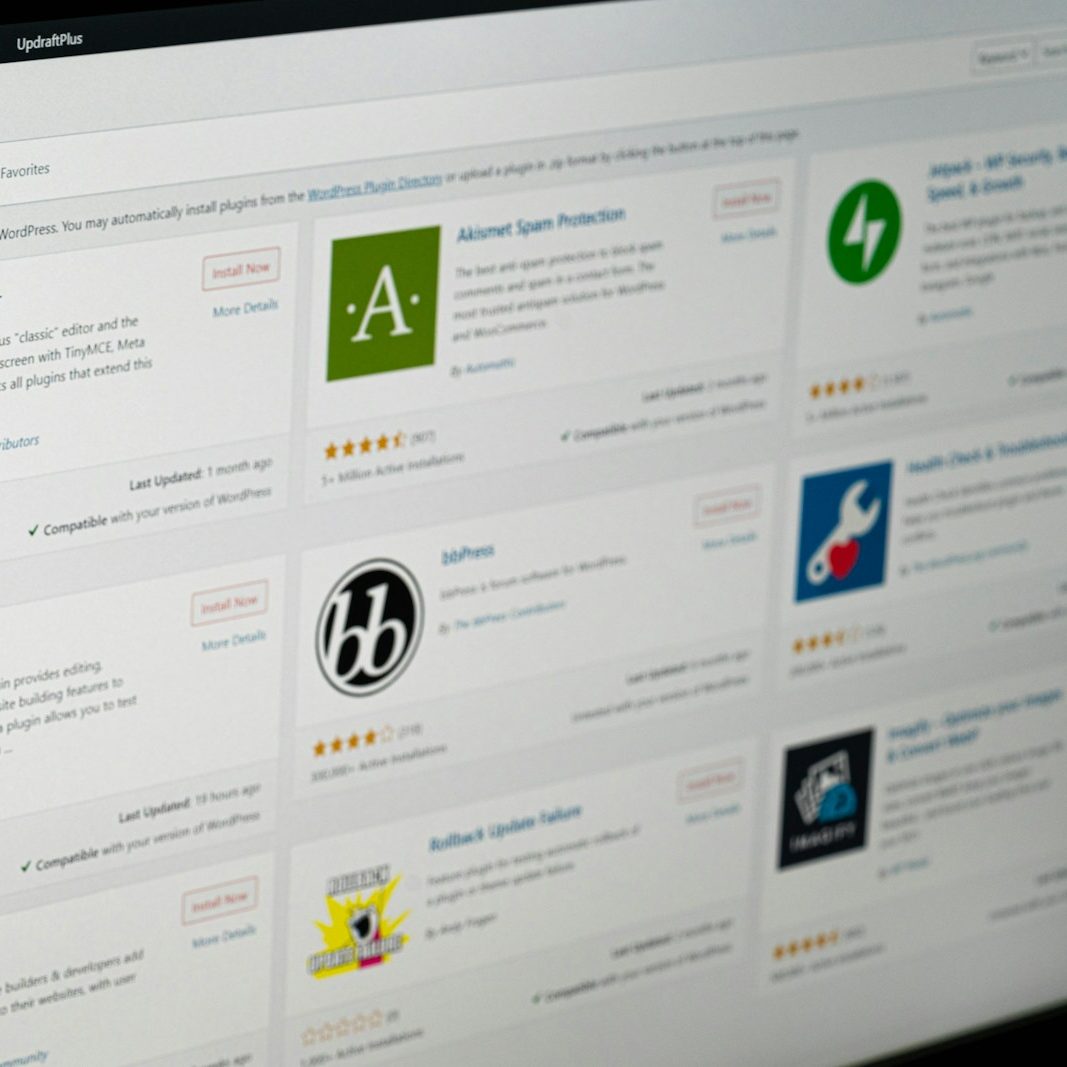
Every plugin, theme, and piece of software on your site is a potential entry point. Developers release updates specifically to patch security flaws—but if those updates sit uninstalled, the vulnerabilities they were meant to fix remain wide open on your live site.
The problem is that attackers don’t need to find these flaws manually. Automated tools scan the web constantly, cross-referencing sites against databases of known vulnerabilities. If your site is running an outdated version of a popular plugin, it’s not hidden—it’s flagged.
The longer updates go uninstalled, the more vulnerabilities stack up. What starts as a single missed patch can quietly become a site with dozens of known entry points, each one a door left unlocked.
Malware & Code Injection
Once an attacker gains access, they rarely announce themselves. Instead, they inject malicious code into your site’s files—code that can redirect your visitors to phishing pages, install malware on their devices, or flood your pages with hidden spam links that tank your credibility with search engines.
The most dangerous part is that these injections are often invisible to you. Your site may look perfectly normal from the front end while quietly compromising every visitor who lands on it. Many business owners only discover the problem weeks or months later, when a customer complains or Google flags the site.


Brute Force Attacks
Brute force attacks are relentless and automated. Bots target your login page thousands of times a day, cycling through common usernames and password combinations at machine speed. They don’t get tired, they don’t give up, and they don’t need to be lucky—they just need one weak password.
Without rate limiting, login attempt monitoring, or two-factor authentication, your admin panel is essentially protected by a single password standing between your entire site and an attacker. Once they’re in, they have full control—over your content, your customer data, and your reputation.
SEO & Reputation Damage
Google’s primary job is to protect its users. When it detects that a site has been compromised—whether through malware, spam injection, or phishing content—it acts fast. Your site gets flagged with a prominent “This site may be hacked” warning in search results, and your rankings can disappear overnight.
Even after the security issue is fully resolved, recovering your search visibility is a slow process. Google needs to re-crawl your site, verify the cleanup, and rebuild trust in your domain—a process that can take three to six months. In the meantime, your competitors are capturing every click you used to get.
The reputation damage extends beyond search engines. Customers who see a browser security warning when visiting your site will associate your brand with risk. That kind of trust, once broken, is extraordinarily difficult to earn back.

Unexpected Downtime
When a site goes down—whether from a hack, a corrupted update, or a server failure—your business goes dark. No one can find you, contact you, or buy from you. For businesses that rely on their website for leads, appointments, or sales, even a few hours of downtime can mean real, measurable revenue loss.
The ripple effects go beyond the outage itself. Customers who tried to visit and couldn’t may not come back. Ongoing ad campaigns continue to spend budget while sending traffic to a broken page. And if the downtime is caused by a security breach, the recovery process can take days—not hours—while you scramble to find help, assess the damage, and get back online.
Data & Compliance Liability
If your website collects any kind of personal information—contact forms, email signups, customer accounts, payment details—you have a legal and ethical obligation to protect that data. A breach doesn’t just expose your customers; it exposes your business to regulatory scrutiny, potential fines, and mandatory disclosure requirements.
Depending on your industry and location, you may be subject to data protection laws that require you to notify affected individuals and regulatory bodies within a specific timeframe. The cost of compliance after a breach—legal counsel, forensic analysis, notification processes—can dwarf the cost of the breach itself.
And then there’s the human cost. Customers trusted you with their information. A breach breaks that trust in a way that no apology email can fully repair. For a small business built on relationships, that’s the most damaging consequence of all.

The Hosting Gap
Your hosting plan doesn’t cover what you think it does.
If your site is on GoDaddy, Bluehost, HostGator, or any other budget hosting provider, here’s what most small business owners don’t realize: they host your site—that’s it.
They don’t update your plugins. They don’t patch your WordPress installation. They don’t monitor for malware. They don’t run backups you can actually rely on. And if your site gets hacked because of an outdated plugin? That’s your problem, not theirs.
Cheap hosting gives you a server and a login. Everything else—the updates, the security, the maintenance that actually keeps your site safe—is left entirely to you. For a business owner already wearing a dozen hats, that’s a recipe for something falling through the cracks.
Budget Hosting
- Plugin & theme updates
- WordPress core updates
- Security monitoring
- Malware scanning & removal
- Reliable, tested backups
- Performance optimization
- Someone to call when things break
Managed Maintenance
- Plugin & theme updates
- WordPress core updates
- Security monitoring
- Malware scanning & removal
- Reliable, tested backups
- Performance optimization
- Someone to call when things break
“Our old site got hacked on a Saturday and we didn’t even know until a customer told us Monday morning. That was the last time we left security to chance.”
David L. · Owner, Cascade Contracting
🤬
The Reactive Approach
“We’ll deal with it when something breaks.”
This is the default for most small businesses. It feels like you’re saving money—until the first incident hits and the real costs become painfully clear.
- Plugins go months or years without updates
- No one monitoring for threats or downtime
- Backups are outdated—or don’t exist
- Scrambling to rebuild from incomplete backups
- Weeks of SEO recovery after a Google blacklist
- Customers see security warnings on your site
😎
The Proactive Approach
“Someone’s handling this so I don’t have to.”
A small, predictable investment keeps your site secure, fast, and up to date—so you can focus on your business instead of worrying about what might go wrong.
- Updates applied weekly, tested for compatibility
- Real-time monitoring catches threats early
- Daily backups with fast restore capability
- Predictable monthly cost, no surprise bills
- Search rankings stay healthy and protected
- Customers see a fast, secure, trustworthy site
What We Actually Do
Maintenance isn’t glamorous. It’s essential.
Think of it like changing the oil in your car. It’s not exciting, but skip it long enough and you’ll be dealing with something much worse—and much more expensive.
Weekly
Plugin & Core Updates
WordPress, themes, and plugins release updates constantly—many of them critical security patches. We apply them on a regular schedule so vulnerabilities are closed before they can be exploited.
- WordPress core updates
- Plugin version updates & compatibility checks
- Theme patching
Ongoing
Security Monitoring
We keep a constant eye on your site for suspicious activity, unauthorized login attempts, and file changes. If something looks wrong, we catch it early—before it becomes a full-blown incident.
- Brute force attack protection
- File integrity monitoring
- Uptime monitoring & instant alerts
Monthly
Performance & Health Checks
Security isn’t just about keeping hackers out. A healthy site is a fast site. We monitor load times, server performance, and database health to make sure everything runs smoothly
- Page speed audits
- Database optimization
- Broken link & error monitoring
Always
Backups & Disaster Recovery
If the worst happens, your site can be restored quickly from a clean backup. We keep regular, offsite copies so you never lose everything—even in a worst-case scenario.
- Automated daily backups
- Offsite backup storage
- One-click restore capability
Need Help Now?
My site has been hacked and I need help.
Take a breath. This is fixable. If your site has been compromised—whether it’s showing strange content, redirecting visitors, been flagged by Google, or you’ve been locked out entirely—we can help you get it back.
We’ve helped businesses recover from malware injections, complete site takeovers, blacklisted domains, and everything in between. No matter how bad it looks right now, we’ve seen worse—and we’ve brought sites back from it.
1
Don’t panic, and don’t start deleting things.
It’s tempting to start removing files or reinstalling everything, but that can destroy evidence we need to understand how the breach happened and make sure it doesn’t happen again.
2
Write down what you’ve noticed.
When did things start looking wrong? What’s changed? Are you seeing redirects, new pages, spam content, or error messages? Any detail helps us move faster once we’re in.
3
Reach out to us immediately.
We’ll assess the situation, contain the damage, and walk you through every step of the recovery. You don’t need to understand what happened—that’s our job.